
Ondex · XRP Ledger guide
An XRPL wallet for more than sending XRP
Manage the XRP Ledger account model—XRP, supported issued assets, trustlines, NFTs, DEX tools and transaction review—from one self-custody wallet.
Available on iPhone and Android. Last reviewed .
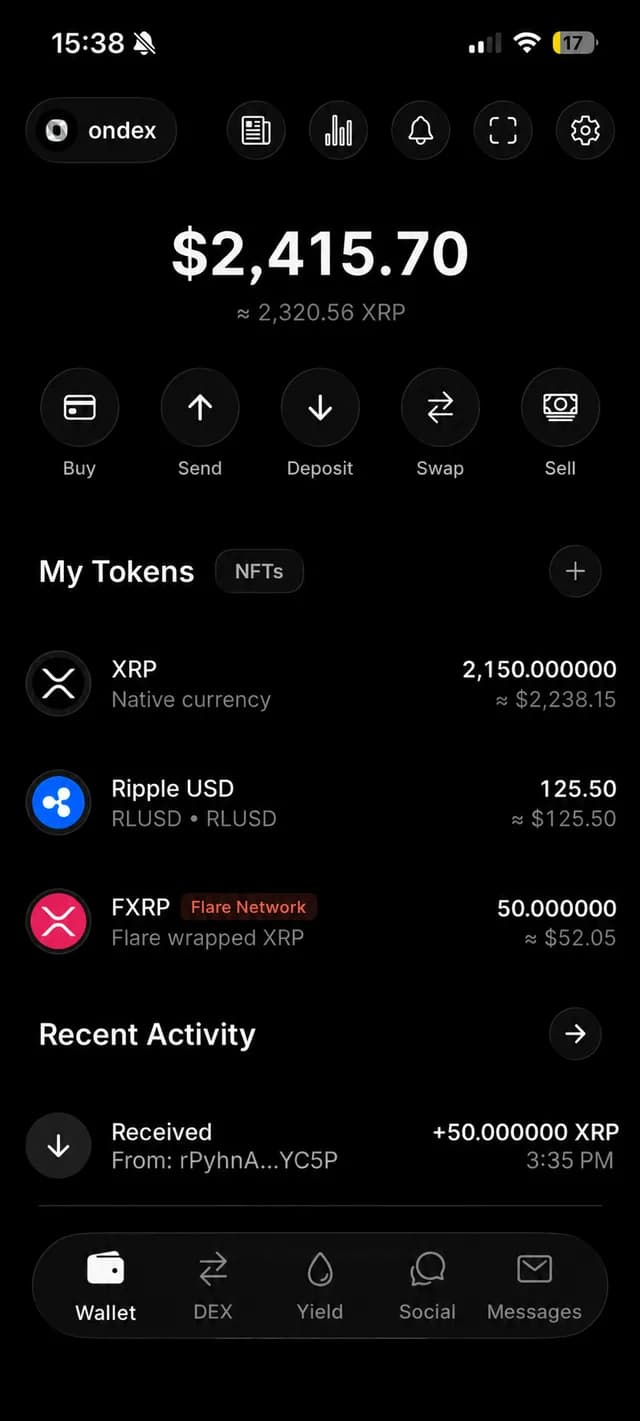
Built around XRP Ledger accounts
An XRP Ledger account can hold native XRP and ledger objects such as trustlines, offers, escrows, NFTs and signer configuration. The network also requires an account reserve that changes with ledger rules and owned objects, so a wallet should read current validated data rather than hard-code a permanent spendable-balance number.
Destination tags are separate from an XRPL address and are commonly used by exchanges or services to identify a customer. Ondex keeps that field visible in send and payment flows when it applies.
Issued assets require identity and trustline context
An issued XRPL asset is identified by its currency code and issuer account together. Two assets can display the same symbol while representing different obligations. Ondex surfaces issuer context and validates trustline controls so a ticker is not treated as a unique identity.
Receiving an issued asset can require a trustline with enough limit remaining. Creating a new trustline affects the account's owner reserve and requires its own transaction fee; restoring a zero-limit line has a different reserve effect. Review that preparation before authorizing it.
DEX, AMM and NFTs are ledger-native workflows
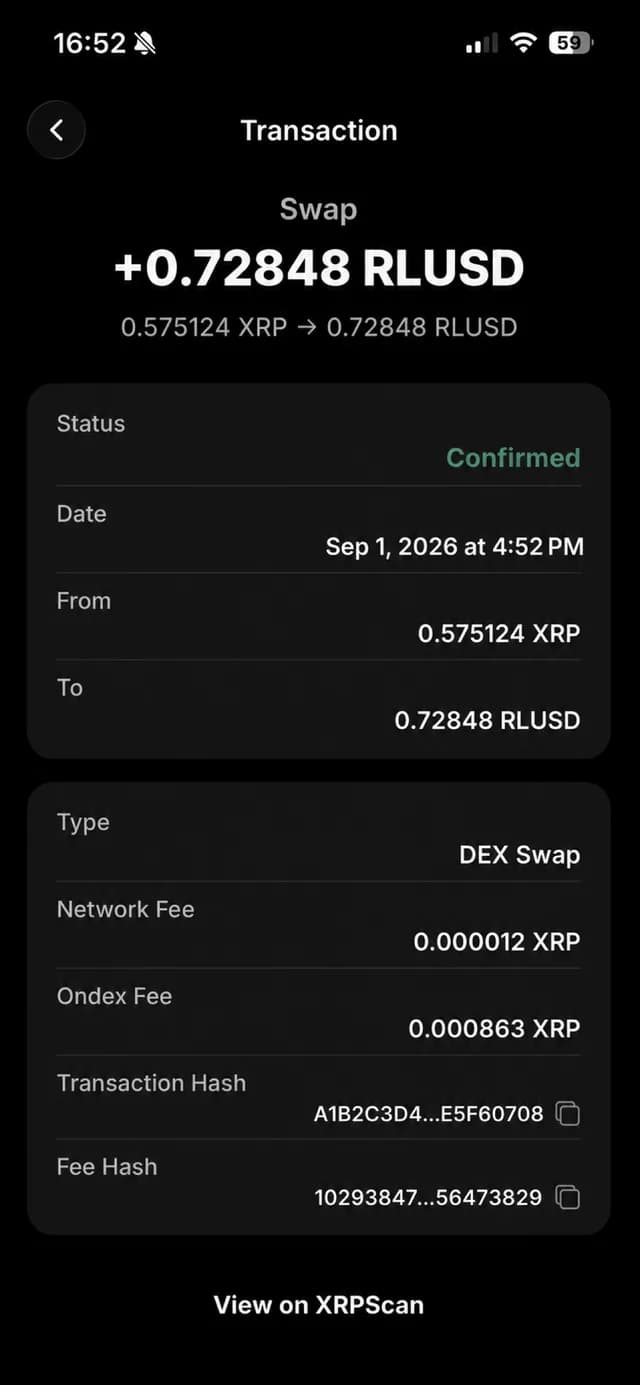
The XRP Ledger includes an order-book DEX and automated market makers at protocol level. A wallet can prepare swaps, offers and liquidity transactions without moving account credentials to a centralized exchange. Liquidity, issuer state, trustlines, fees and transaction bounds still determine what can execute.
XRPL NFTs are also native ledger objects. Supporting XRP alone does not imply that every wallet supports issued assets, NFTs, AMMs, offers or every amendment-gated transaction type in the same way.
Connect to compatible dApps
Ondex supports WalletConnect for compatible dApps on the active XRPL network. Pairing delivers requests; it does not give a site your recovery phrase or automatic signing authority. Ondex validates supported request fields and presents a review before local approval.
Reject requests with the wrong account, network, amount, fee, memo or transaction type. Disconnect sessions you no longer use and treat unexpected QR codes or deep links as untrusted input.
Choose the right XRPL workflow
Use the DEX guide for order books and AMM-aware routes, the payments guide for destination tags and requests, and the security page for backup and signing boundaries. The right wallet is the one that makes the ledger objects you use visible before authorization.
Current product evidence
See the review surface
Continue with context
Related XRP Ledger guides
Start with XRP wallet basics
Understand account control, backup and transaction review.
Use the XRPL DEX from a wallet
Compare swaps, order books and AMM-aware routes.
Review XRP payment workflows
Send, receive and create payment requests.
Check self-custody boundaries
Review what stays on device and what cannot be recovered.
Practical answers
Frequently asked questions
Primary references
Ondex for iPhone and Android
Review first. Sign on your device.
Ondex is a self-custody wallet interface. Transactions are reviewed and signed on the user's device. Network, issuer, liquidity and third-party conditions can affect availability, fees, timing and outcomes. This page is informational and not financial advice.