
Ondex · XRP Ledger guide
XRP Wallet for iPhone
Keep control of your wallet credentials on your device while using XRP Ledger features from one iOS app.
Available on the App Store for iPhone. Last reviewed .
Download Ondex for iPhone
Use the App Store link on this page and verify that the listing identifies Ondex Labs LLC before installing. The desktop QR encodes the same final App Store URL as the button; it does not pass through a redirect service or send the URL to a third-party QR provider.
The campaign parameters, when an Apple provider token is configured, distinguish this iPhone landing in aggregate App Store analytics. They do not identify an individual visitor or prove that a particular web session became an installation.
Set up self-custody on iOS
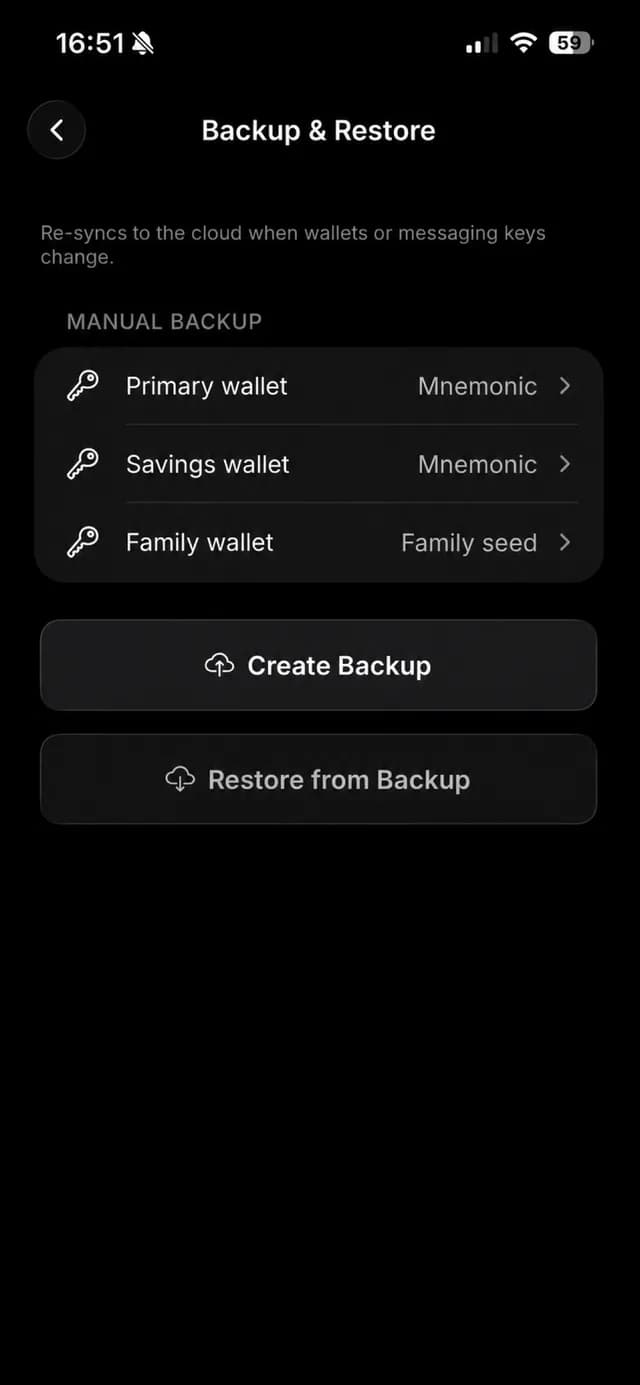
Create a new XRPL account or import a supported existing account, then complete a backup before relying on the wallet. Ondex can create an encrypted iCloud backup protected by a user-chosen password, or use manual and encrypted file flows. iCloud availability and your password remain outside support's control.
Face ID or Touch ID is optional and appears only when the device supports it and the user enables it. The app still maintains its wallet authentication boundary; biometrics are not a replacement for preserving the account backup.
Review XRP Ledger actions on your device
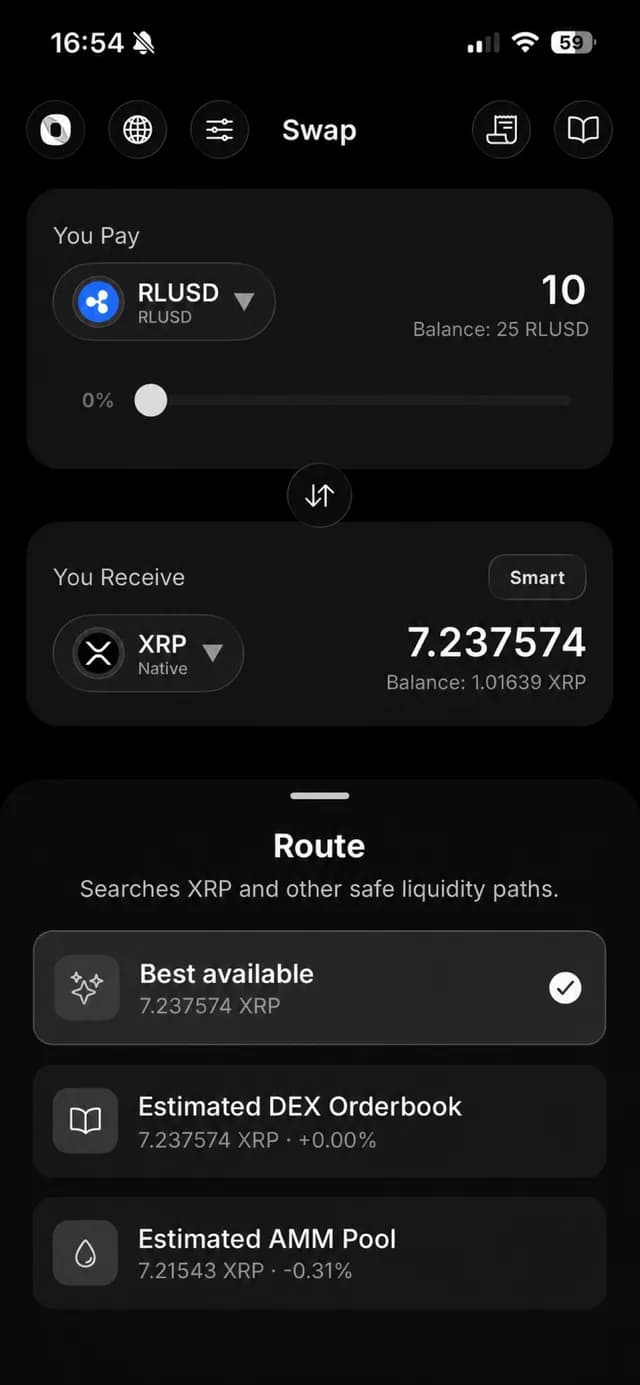
Ondex brings send and receive, supported assets, DEX and AMM tools, NFTs and compatible dApp requests into an iOS interface. Sensitive actions lead to transaction review and local authorization. A request delivered by WalletConnect or a link is still only a request until you inspect and approve it.
For issued assets, check currency and issuer. For payments, check address and destination tag. For trades, check the source and destination assets, estimated output, minimum received, fees and any trustline preparation before signing.
Before moving value
Confirm the App Store publisher, create and test a backup, and start with an amount appropriate for learning the flow. If you are sending to an exchange or shared account, copy the destination tag from the recipient's current deposit instructions rather than from an old transaction.
Keep iOS and Ondex updated through official channels. Do not enter a recovery phrase into a website, support chat, unsolicited form or transaction memo. Ondex support does not need it to diagnose a public transaction or app issue.
What Ondex for iPhone is — and is not
Ondex is a self-custody wallet interface, not a bank, exchange or custodian. Network conditions, issuer controls, available liquidity and third-party providers can affect whether a feature is available and what a transaction ultimately does.
An iPhone wallet is convenient for frequent signing. If your priority is keeping keys isolated in dedicated hardware and signing rarely, compare a supported hardware workflow before choosing a mobile software wallet alone.
Current product evidence
See the review surface
Continue with context
Related XRP Ledger guides
Practical answers
Frequently asked questions
Primary references
Ondex for iPhone and Android
Review first. Sign on your device.
Ondex is a self-custody wallet interface. Transactions are reviewed and signed on the user's device. Network, issuer, liquidity and third-party conditions can affect availability, fees, timing and outcomes. This page is informational and not financial advice.