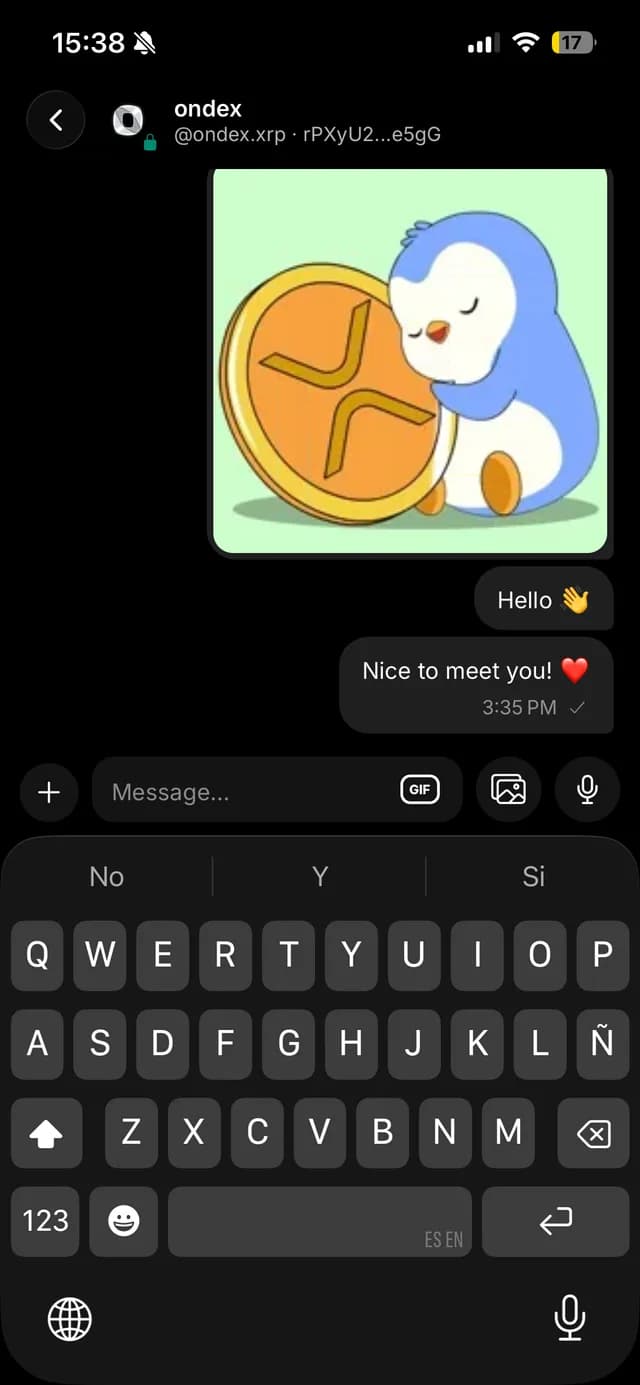
Encrypted messaging inside your XRP wallet
Ondex includes end-to-end encrypted messaging between Ondex users on iPhone and Android. Chat encryption is separate from wallet-key protection and from ordinary public XRP Ledger memos.
Content reviewed:
Start a conversation in the Ondex app
- Open Messages and complete messaging setup if prompted. Your contact also needs a registered, compatible messaging key.
- Start a new message, search by Ondex Name or XRPL address, and verify the person and address before continuing.
- Write your message and authorize sending on your device. Use the biometric or PIN prompt to decrypt received messages when requested.
Privacy, delivery and recovery
Encrypted message payloads use XRPL transactions. Addresses, timing and other ledger metadata remain public; encryption does not make transactions anonymous. Payments sent from chat are public payments. Network fees and indexing delays can apply; notifications depend on device permissions and delivery.
Keep a backup of your messaging keys before changing devices. Restoring a wallet recovery phrase alone does not guarantee access to old chats. Some sent messages also depend on the original device’s local cache. Ondex cannot recreate lost decryption keys.